410 Santa Maria, Irvine, CA 92606
E-mail us: [email protected]
24 Hour Service - 7 Days a Week

Understand Speed Queen commercial washer and dryer error codes related to filling, draining, spinning, heating, controls, and interrupted laundry cycles.
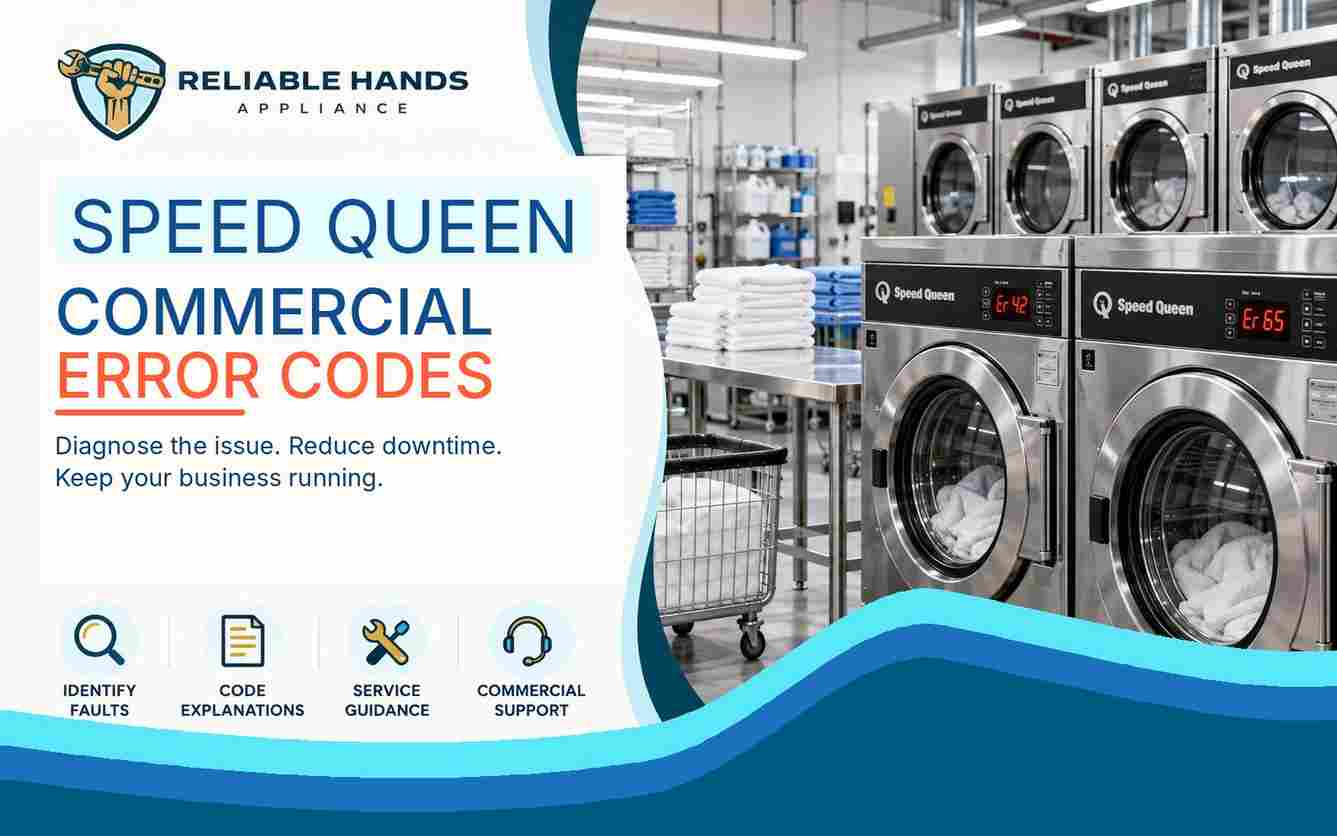
Commercial Speed Queen washers and dryers use electronic controls for washing and drying functions, but many installations also include card readers, payment systems, network modules, audit functions, and security controls.
Commercial Speed Queen washers and dryers use electronic controls for washing and drying functions, but many installations also include card readers, payment systems, network modules, audit functions, and security controls.
This is important when interpreting commercial Speed Queen errors. Many EC-prefixed codes are communication or payment-system faults rather than mechanical washer or dryer failures.
For laundromats, hotels, apartment laundry rooms, and shared facilities, identifying the correct fault category can prevent unnecessary machine shutdown and avoid taking usable equipment out of operation.
EC02 means a communication timeout occurred. The card or payment system did not complete the expected communication.
EC03 means the washer or dryer received an invalid command.
Communication occurred, but the command was not valid for the machine type or the operating mode active at the time.
These warnings can appear even when the appliance's mechanical washing or drying systems are otherwise functional.
EC05 means programming data is invalid or outside the accepted range.
On supported commercial machines, this can happen when incorrect machine data is downloaded or a programming value falls outside its permitted limits.
EC11 indicates that the card reader has not initialized even though basic communication exists.
EC18 means the card reader initialized successfully but communication was later lost.
EC19 identifies card-reader communication failure, often including failure to initialize.
If several machines develop related EC codes at the same time, the issue may involve a shared payment or network system rather than multiple independent appliance failures.
Certain commercial top-load control platforms use the rightmost decimal point as a warning indicator.
An illuminated decimal point may identify:
Water-leak detection
Slow-drain detection
A leak warning deserves prompt attention because continued operation can damage flooring, nearby equipment, and the machine itself.
A slow-drain condition may lead to standing water, unusually long cycles, or users repeatedly attempting to restart the washer.
These warnings are different from EC payment-system codes and should be diagnosed as separate fault categories.
Commercial dryers use several of the same communication and programming codes as washers.
Documented examples include:
EC03 — invalid command
EC05 — invalid programming data
EC11 — card reader not initialized
EC18 — communication lost after initialization
EC19 — card-reader communication failure
EC36 identifies an Audit Card Removed Prematurely condition. The audit card was removed before the control completed the required operation.
On supported commercial dryers, the rightmost decimal point can also indicate a network communication error.
Not every commercial dryer fault begins with EC.
ALrn identifies a break-in alarm involving the service-door or coin-vault switch system.
oFF represents a shutdown condition related to the break-in alarm.
Err is a coin error that can appear when the control receives an invalid coin pulse or detects a coin-sensor problem.
ESH means the dryer has detected a shorted thermistor circuit.
EAF indicates an airflow-switch error.
E Ht appears when the dryer fails to reach the expected temperature.
Airflow restriction, lint accumulation, heating faults, sensor problems, or control conditions may contribute depending on the model.
An operator seeing an EC code may assume the machine has a pump, motor, heater, or main control-board problem.
On many Speed Queen commercial platforms, however, the warning may actually involve payment-system or network communication.
That distinction affects both repair decisions and business downtime.
Before requesting repair, record:
Complete error code
Machine model
Washer or dryer type
Payment-system type
Whether the machine can still run a normal cycle
Whether other machines show the same warning
Avoid changing programming or replacing mechanical components based only on the displayed code.
For professional Speed Queen commercial laundry diagnostics and repair, contact Reliable Hands Appliance.
Phone: +1 (714) 338-9438
Email: [email protected]
Office Hours: Monday through Friday, 7:00 AM to 7:00 PM
Saturday: 9:00 AM to 6:00 PM
Sunday is reserved for emergency calls. Call to confirm availability.
Office: 410 Santa Maria, Irvine, CA 92606
Time Zone: Pacific Time